Request a demo
Launching January 2027Express your interest

A calmer day. A connected team. A better practice.

Occluna runs the operations, HR and compliance side of a dental practice in one app: rota, clocking in, holidays, timesheets, policies, audits, associate pay and NHS pensions. Everything except the patients, who stay in your practice system.

Built on 20 years of running dental practices.

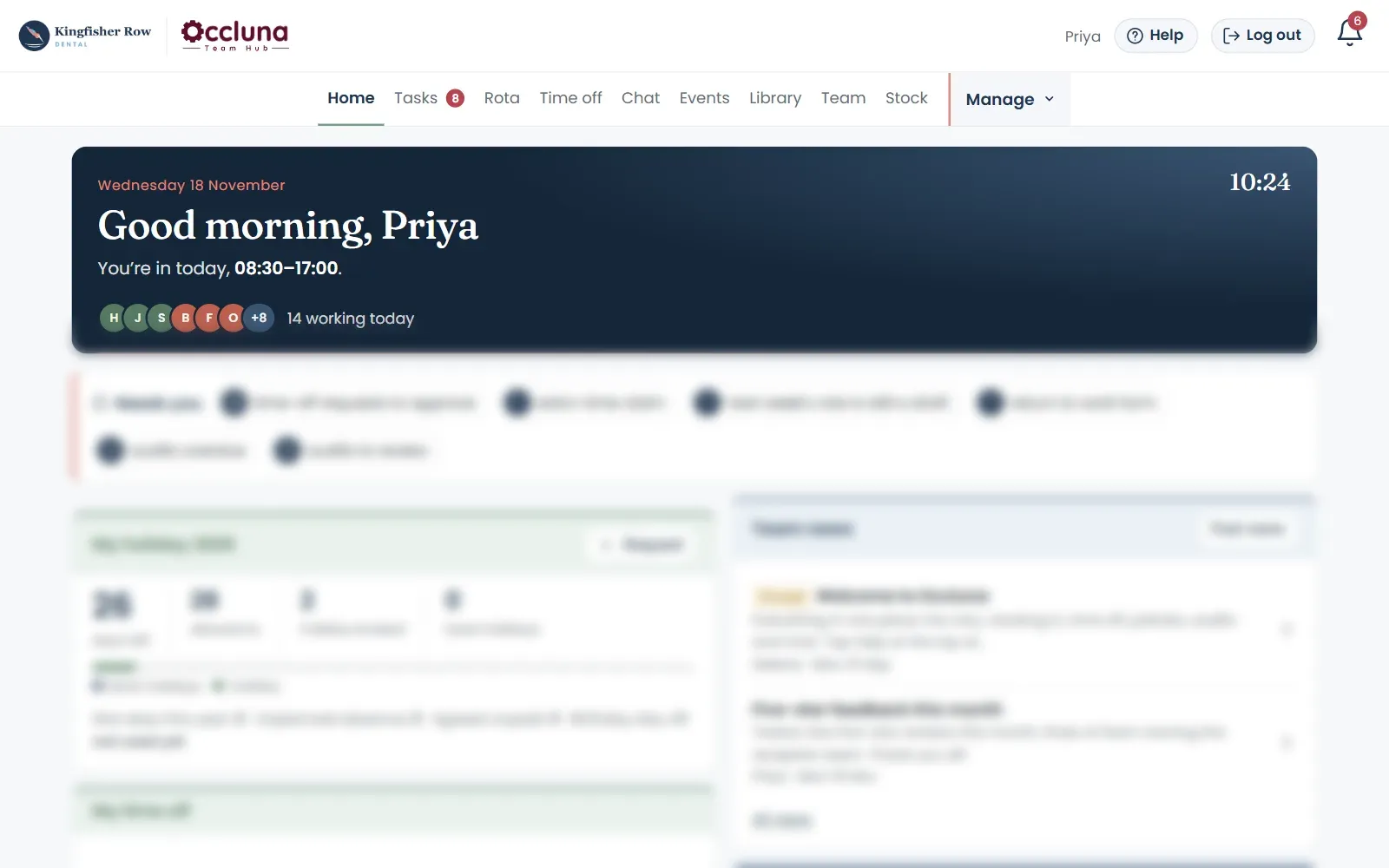
Occluna Team Hub home screen for a practice manager: today's team, and what needs approving
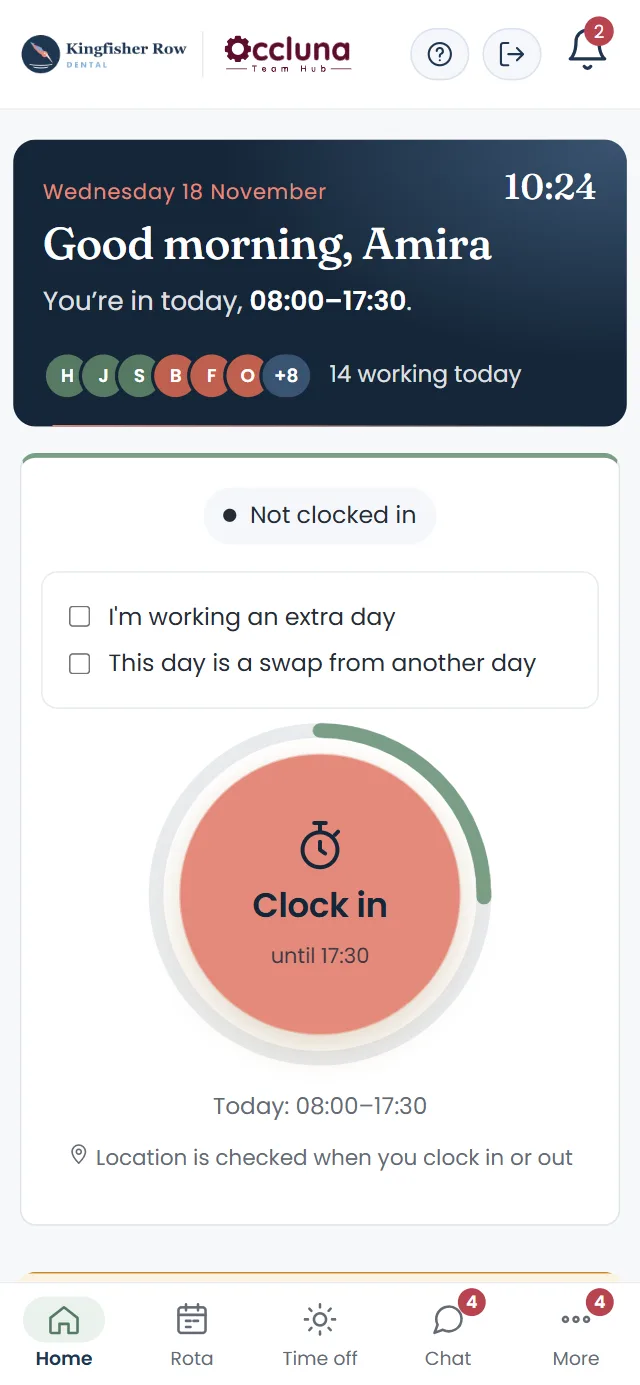
Clocking in on a phone

A powerful all-in-one system

  • Plan the rota
  • Clock in on your phone
  • Chat as a team
  • Associate pay and NHS pensions
  • Stay compliant
  • Fully mobile optimised
  • Holiday worked out for you
  • Timesheets for payroll
  • UDAs and NPEs
  • Policies read and confirmed
  • Audits on schedule

Everything your practice needs, apart from a patient management system

Your patient management system runs your patients. Occluna runs your operations, HR and compliance. It complements your system rather than replacing it: patients, appointments and clinical notes stay where they are, whichever system you use.

  • Dentally
  • EXACT
  • CareStack
  • R4
  • and others
  • Patient records stay put. Occluna holds no patient data, so there's nothing to migrate and nothing to duplicate.
  • Figures come across as totals. Production, UDAs and NHS payments come in from reports you already run: Dentally's private fees report, the Compass UDA summary and your NHS statement.
  • Your system, set up at onboarding. Using a system other than Dentally? We'll look at its reports with you when we set Occluna up.

Product names are trademarks of their owners. Occluna is independent and isn't affiliated with them.

Three jobs every practice does by hand,
or through several different platforms.

01 Operations

Rota
Built by surgery from a master rota. Gaps show on Monday, not on the day.
Clocking in
On their phones, checked against the practice Wi-Fi or location.
Team chat
Off staff's WhatsApp, and kept in the practice.
Production
Private fees against target every week, and UDAs against contract.
Stock
What's left, where it is, and what's about to expire.

02 HR

Holidays
Worked out from each working pattern, pro rata, with bank holidays and part days.
Absence
Sickness, Bradford scores and return-to-work forms, in one record.
Timesheets
From your payroll cut-off: what to deduct, what to add, and time in lieu.
Associate pay
Monthly schedules with superannuation and levy, ready for the books.

03 Compliance

Policies
One searchable library, with read-and-confirm records for inspection day.
Audits
Assigned, repeated and scored, with the actions and the PDFs.
NHS pensions
NPEs from the UDA allocations, and the CAF filled in for you.
The calendar
Training, appraisals and checks for the year, ticked off as they're done.

See the week at a glance, and the gaps before they happen

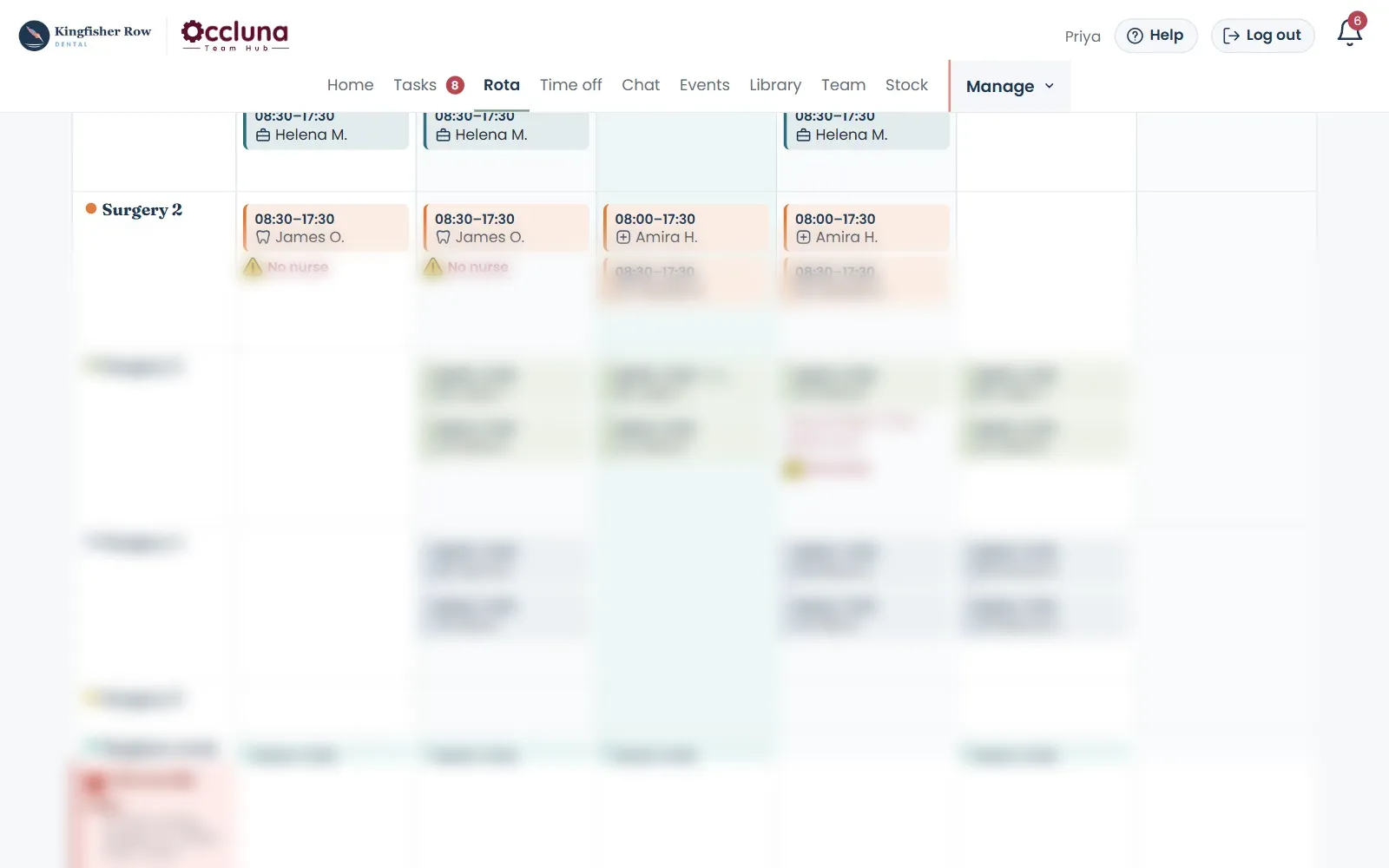
The rota is laid out by surgery, with holidays and sickness along the top.

  • Master rota and templates for the usual week
  • Warnings for a dentist with no nurse, or too few on reception
  • Published changes notify the people affected
Weekly rota by surgery with a missing-nurse warning

Production against target, every week

See how the practice and each clinician are doing against target for the week, the quarter and the year, and send the figures to the management team in one go.

  • Private production by clinician
  • Charts for each week and quarter
  • Hourly rate, year so far
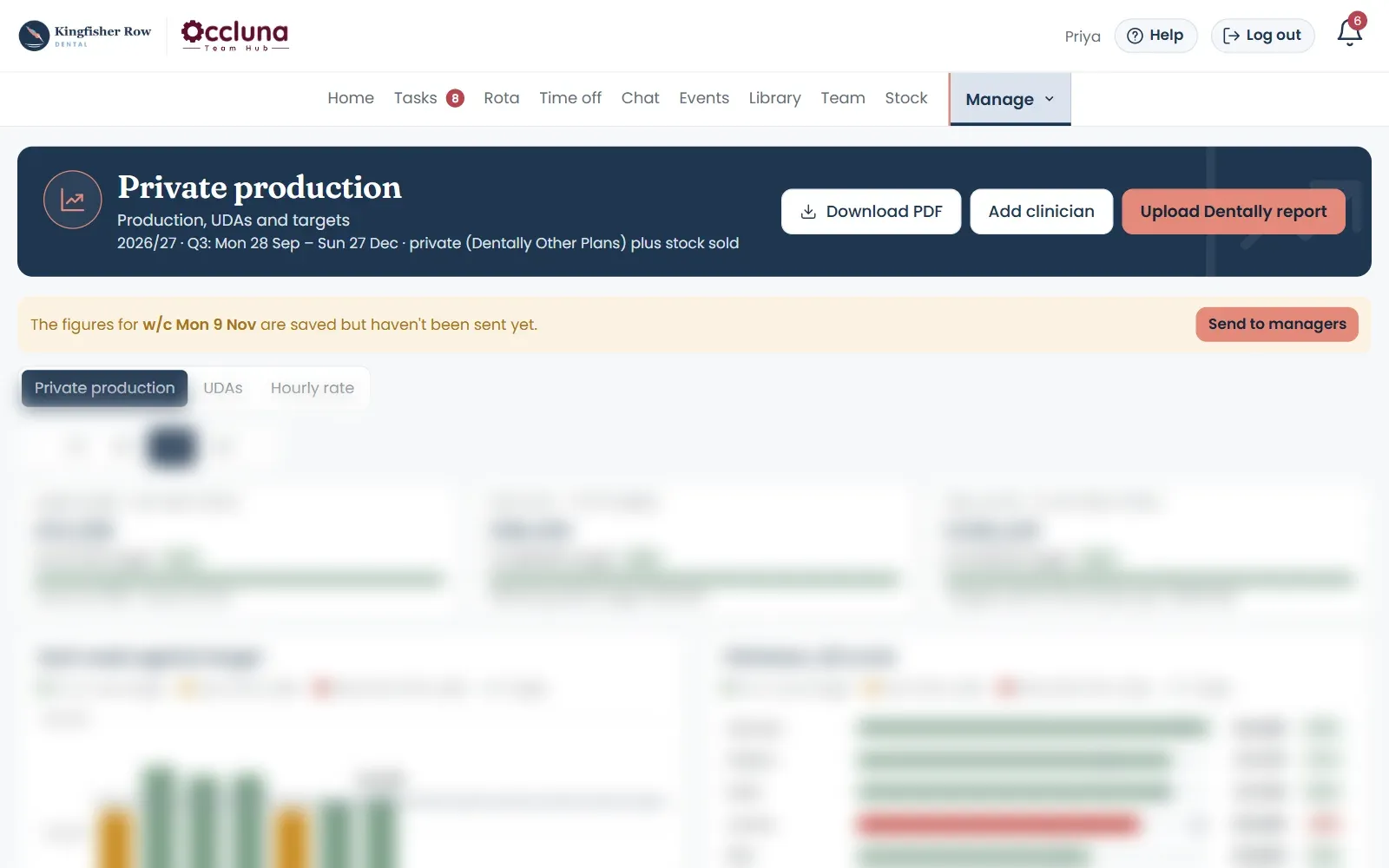
Private production against target for the week, quarter and year

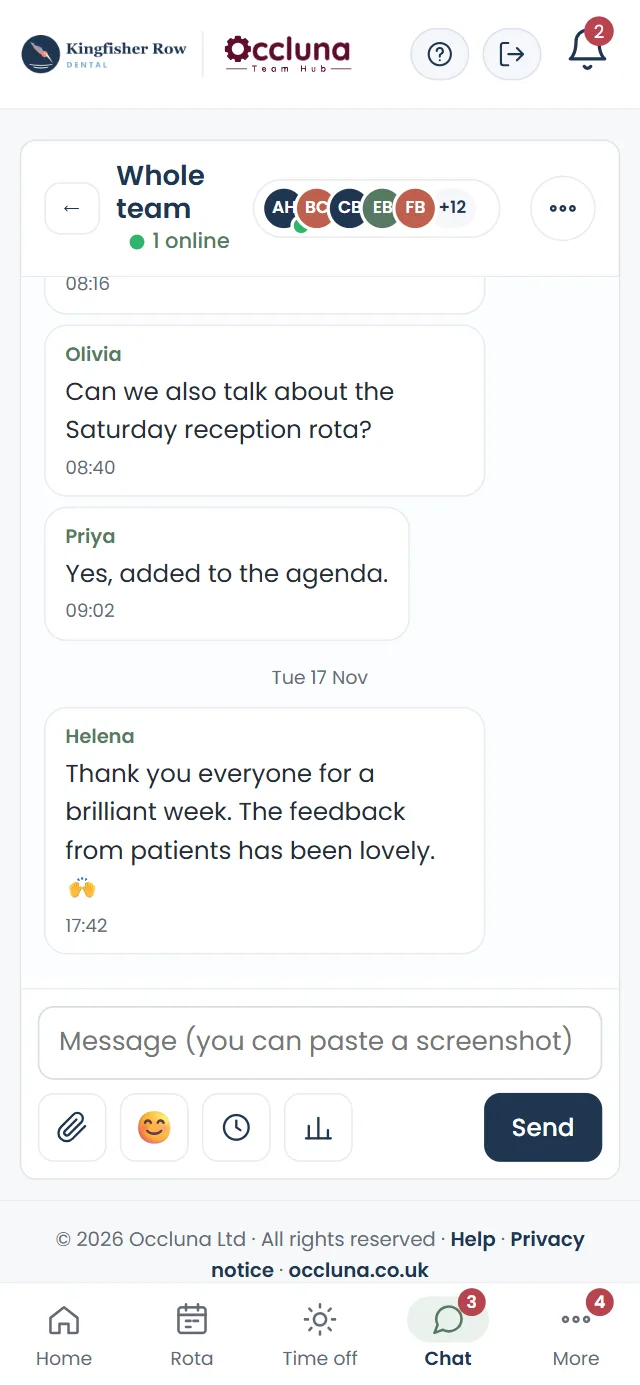
The team chat, finally in one place

Everything you use a messaging app for, without mixing work into staff's personal phones and groups.

  • Groups for reception, nurses or the whole team
  • Replies, reactions, polls and @mentions
  • Payslips and documents sent privately
  • Managers can't read other people's chats
Whole-team group chat on a phone

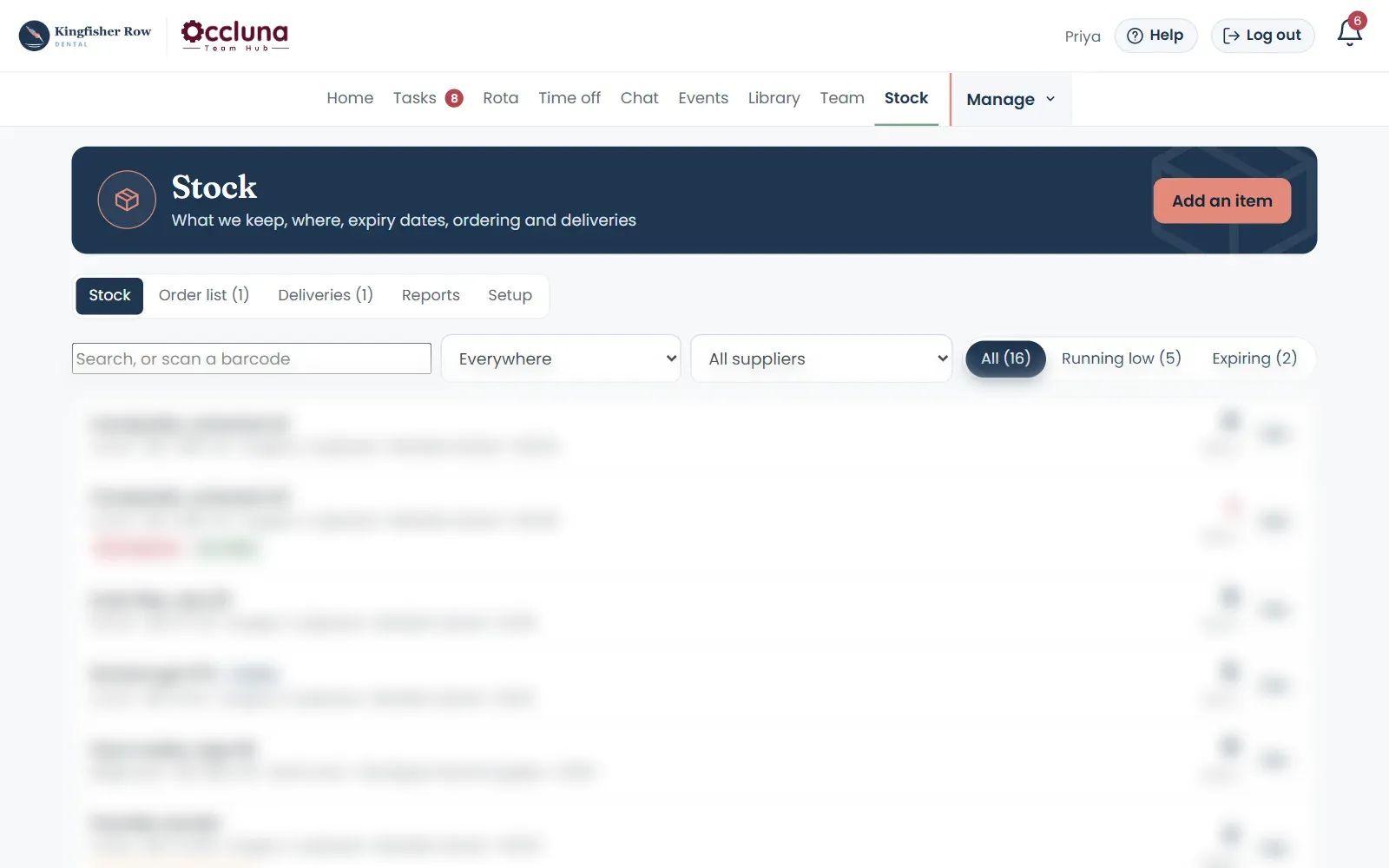
Stock that tells you before it runs out

Every item, where it's kept, how many are left and when each box expires. Nurses record what they use as they go; the order list builds itself.

  • Scan the box: the expiry date and lot fill themselves in
  • Running low and expiring soon, flagged before they're a problem
  • Order lists by supplier, deliveries booked in, back orders tracked
  • Usage by room and dentist, and spend by supplier
The stock list with running-low and expiry flags

Everything in one place

The spreadsheets, the paper and the other apps. Retired.

Most practices run on a dozen or more: a rota on version twelve, a holiday tracker, a sickness log in a folder, an audit on a clipboard, a WhatsApp group, a separate clock-in app. Occluna replaces the lot.

0 replaced

Three kinds of user.
Each sees what fits them.

Everyone signs in to the same app, but what they see is tailored to their status: managers, employed staff and self-employed clinicians each get their own screens, rules, notifications and guide.

Practice owners and managers

Managers

  • Approve time off with cover shown on the rota
  • Build and publish the rota
  • Timesheets ready for payroll
  • People, absence records and return-to-work forms
  • Associate pay, UDAs, NPEs and production
  • Policies, audits and the management calendar
  • Choose which notifications they get

Nurses, reception and other employees

Employed staff

  • Clock in and out on their phone
  • Their own rota and shift reminders
  • Holiday allowance worked out and shown to them
  • Request time off, birthday day off and time off in lieu
  • Add missed time for approval
  • Read and confirm policies, complete audits
  • Team chat, news and events

Associate dentists and hygienists

Self-employed clinicians

  • No clocking in
  • Book days off against their own limit, without employee rules
  • Their own UDAs and private production
  • Their own payment schedules
  • The rota and who's in
  • Team chat, news and policies
  • Never see anyone else's figures

Pay, pension and production figures stay with managers; each person sees only their own.

See it work

A Monday morning, live.

Drag the clock, or just watch. Kingfisher Row is a made-up practice; the way it runs is real.

07:00
  1. 07:00Before anyone's in The week's rota was published on Friday. Everyone knows where they are.
  2. 07:20Amira calls in sick Recorded the moment she rings. Her shift becomes time off, and Surgery 1 is left without a nurse.
  3. 07:24The rota flags it The managers get one alert: Surgery 1, no nurse 08:00 to 17:30. No one has to spot it.
  4. 07:40Cover, sorted Leah moves across from support. The warning clears, and Leah is told on her phone.
  5. 08:15Everyone clocks in On their phones, one tap each. A late start shows up straight away.
  6. 11:15Gloves running low Chloe records the last box. It goes on the order list for the stock lead.
  7. 13:00A holiday request Olivia asks for a Friday in December. The cover is checked before anyone says yes.
  8. 17:30The day is done Timesheets are ready for payroll, with Amira's sick day recorded and nobody chasing a spreadsheet.
07:0018:00

Holiday and absence that
work themselves out

Set up each person's working pattern once. From then on Occluna works out their allowance, checks every request, updates the rota and flows into timesheets.

  1. 1

    Working patterns

    The days and hours each person works. When their hours change, the change is dated and everything after it follows.

  2. 2

    Allowances worked out for you

    Every employee's holiday calculated from their start date and working pattern, pro rata, with bank holidays and part-time hours handled. Change someone's hours mid-year and it's worked out again.

  3. 3

    Requests checked as they come in

    Staff request from their phone. Notice rules from the contract, part days and birthday days off are checked, and managers see the cover on the rota before approving.

  4. 4

    The rota updates itself

    Approved time off appears on the rota and in who's in today.

  5. 5

    Timesheets follow

    Sickness, unplanned absence and unpaid leave land in timesheets ready for payroll, with sick days flagged for SSP and overtime banked as time off when agreed.

  6. 6

    The record keeps itself

    Bradford scores, return-to-work forms, holiday taken beyond the allowance turned into unpaid leave, and holiday owed worked out when someone leaves.

Try it

One tap. Everything follows.

Press approve, as a practice manager would. Then watch where it goes.

CB
Chloe BennettLead Dental Nurse

Holiday · Wed 9 – Fri 11 December · 3 days

"For my sister's wedding. Leah has said she can cover Thursday."

Rota

Chloe: Surgery 2, Wed to Fri

Chloe's shifts become Holiday. Thursday is covered by Leah; Wednesday and Friday flagged for cover.

Chloe's allowance

12 days left

Worked out from her pattern: 3 working days, bank holidays allowed for.

Timesheets

December: nothing to change yet

3 days paid holiday, already in December's payroll, nothing to type.

Chloe's phone

Waiting for an answer…

Holiday approved 9–11 Dec. Enjoy the wedding!

What makes Occluna different

UDAs, NHS pensions and associate pay,
joined up at last

Most NHS practices piece this together by hand, across Compass, spreadsheets and the accountant's inbox. Occluna runs it as one chain: from the UDA report, through each associate's net pensionable earnings, to the form the NHS needs and the payment schedule your accounts need. As far as we can find, no other practice platform joins these up.

  1. 1

    Upload the Compass UDA report

    Each performer's UDAs against their allocation, week by week and for the year, with carry-over and who is on course. The per-performer summary only: no patient details.

  2. 2

    NPEs worked out from the contract

    Every associate's net pensionable earnings estimated from their UDA allocation, the contract value and lab costs, with the working shown.

  3. 3

    Changes flagged straight away

    When an allocation changes, managers are prompted to update the NHS. Lab costs running above the estimate are flagged, with a suggested figure.

  4. 4

    The NHS form, filled in for you

    Download the Compass Authorisation Form (CAF) already completed from your figures. Check it, send it, and keep every submission and its NHS status on record.

  5. 5

    Superannuation every month

    Each associate's schedule shows gross, superannuation, NHS levy and payment, split between private and NHS, with a to-pay list in the order your accounts software needs.

  6. 6

    Year end without the scramble

    UDAs delivered and actual lab costs feed the end-of-year pension figures, ready for the declaration.

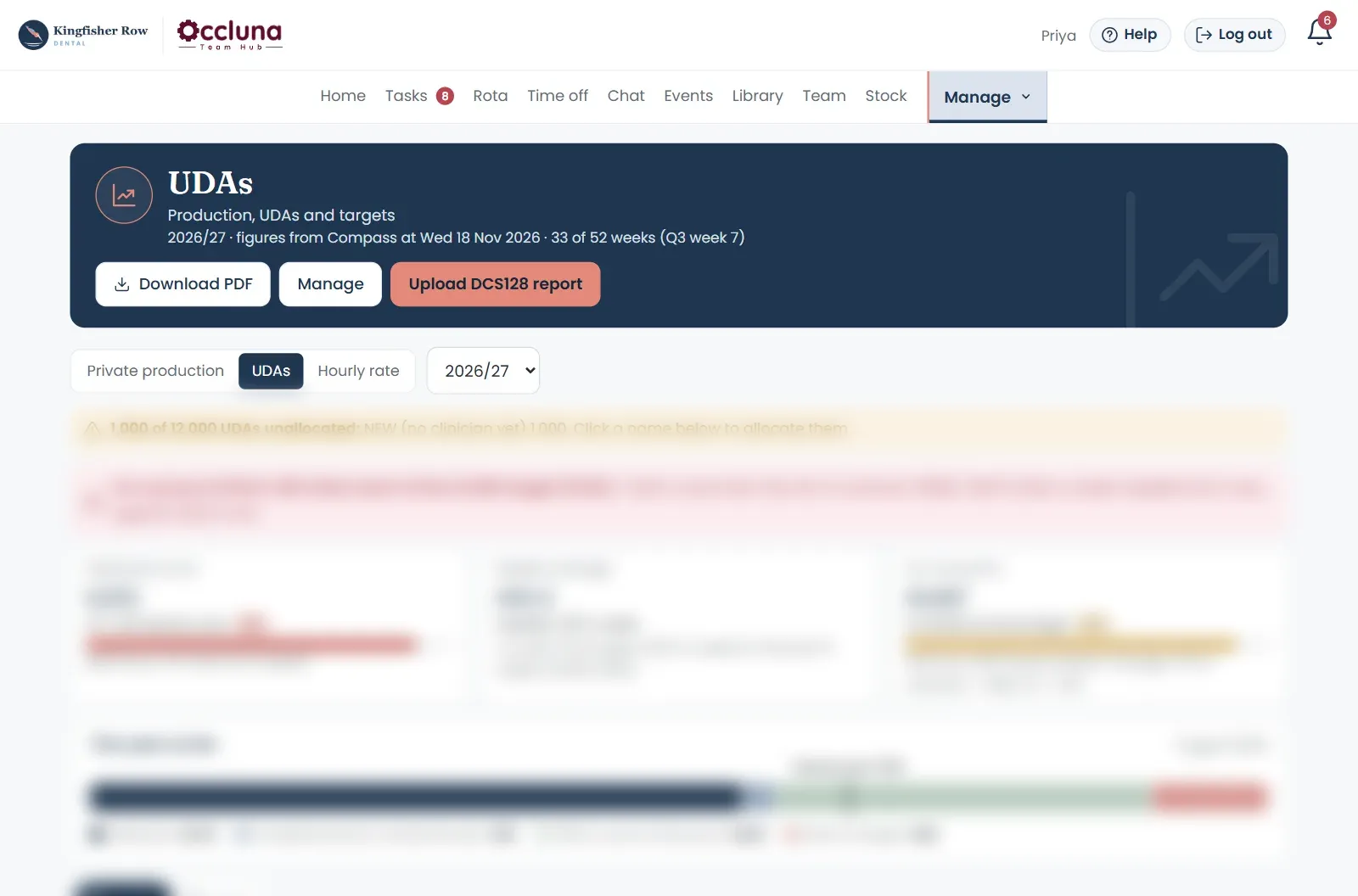
UDA tracking: delivered so far against what's due, the weekly pace needed and the year so far
UDAs against the contract, week by week
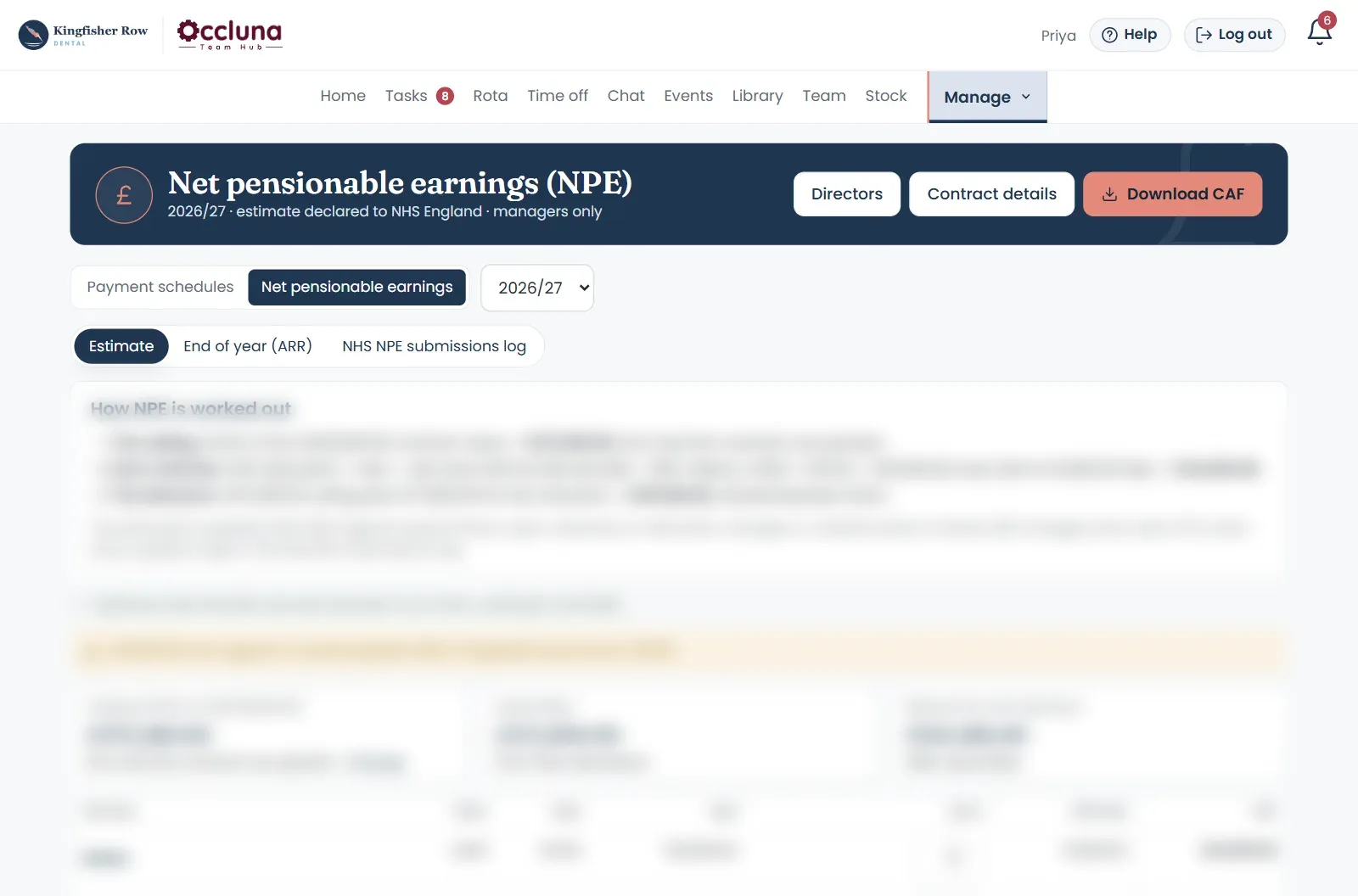
Net pensionable earnings estimate with the working shown, the NHS submission status and the Download CAF button
NPEs with the working shown, and the CAF one click away

Why I built it

I've spent twenty years running dental practices. For most of them, the practice ran on a rota spreadsheet, a holiday wall chart, a sickness log, a timesheet export, an associate pay workbook, the superannuation sheet, a UDA tracker and a WhatsApp group that never switched off. Or on an online platform that could never quite do what we wanted, so there was always a compromise and a gap to work around, and it always left us disappointed.

None of those systems talked to each other, and all of them needed heavy manual input. Every month-end meant copying the same numbers between them, and every inspection meant finding the one signed sheet that had gone missing.

Occluna is what I built to stop that. It started in one busy nine-chair UK practice, where it has been tried and tested and runs the practice today, from the complex rota to the ARR report and everything in between. Each feature is there because we needed it, and it will keep improving and evolving.

Ola InglotFounder
Born in dentistry. Ready for other healthcare settings.

Occluna originated in the dental industry, but the problems it solves are shared across healthcare: rotas, clocking in, absence, policies, audits and keeping a team connected. It can be adapted to other settings during onboarding.

  • Dental practicesWhere it started
  • GP practices
  • Care homes
  • Veterinary practices
  • Physiotherapy and clinics
  • Pharmacies
  • and many other healthcare providers

Tailored to your practice from day one

Occluna isn't a blank template you have to fill in. During onboarding we set it up around the way your practice already works, so your team opens it to their own rota, rules and documents.

Your rota

Surgeries and rooms, everyone's working pattern and your usual week, ready to publish.

Your rules

Holiday year and allowances, bank holidays, lateness and overtime, and your payroll cut-off.

Your people

Managers, reception, nurses and clinicians, employed and self-employed, and who approves what.

Your policies and audits

Your own documents in the library, ready for read-and-confirm, and your audit schedule.

Your NHS contract and associates

Contract value, UDA allocations, associate agreements and pay rules, so pensions and pay work from the first month.

Your practice's name and logo

Your team sees your practice in the app, not ours.

One app where others need three

Practices usually combine a compliance portal, an HR app and spreadsheets. Here is what each type of platform covers.

FeatureOcclunaDental compliance portalsDental staff-record appsGeneral HR apps
Rota, clocking in and timesheets✓——✓
Holiday, absence and Bradford scores✓Leave calendar✓✓
Policies with read-and-confirm✓✓—Templates
Private team chat with groups and polls✓———
Built for dental roles, NHS and private✓✓✓—
UDA tracking for each performer✓———
Associate payment schedules✓———
Superannuation and NHS levy, monthly✓———
NPE estimates tied to UDA allocations✓———
Compass Authorisation Form filled in✓———
Private production against target✓———

Based on what typical platforms of each type list on their own websites, November 2026. "—" means not listed. Some large dental-group platforms offer associate pay; we haven't found one that ties it to UDAs, NPEs and the CAF.

Questions practices ask

Does it work on phones? Do staff need to download an app?

It works on any phone, tablet or computer. There's nothing to download: it runs in the browser and can be added to the home screen like an app, with notifications for rota changes, approvals and messages.

How do people sign in?

With a one-time code sent to their email. There are no passwords to forget or share, and managers confirm with a fresh code before the most sensitive changes.

Can I see it first?

Yes. Request a demo and we'll show you round a complete made-up practice, as the owner, the practice manager, a nurse, a receptionist, a dentist or a hygienist.

Launching January 2027

Be first to bring Occluna to your practice

Request a demo, or express your interest and we'll keep you posted with news and early access.

What happens next

  1. 1

    Tell us about your practice

    Fill in the form. It takes less than a minute.

  2. 2

    See it working

    We'll show you round Occluna at a time that suits you.

  3. 3

    Early access in January

    Be one of the first practices to bring your team onto Occluna.

We'll only use your details to send what you ask for. Unsubscribe at any time. See our privacy notice.